
The web app and the big screen
The web app is Maktaba in a browser. It is for watching, and for everything that runs the home: the libraries, the processing, the Live TV channels, the users and the settings. Its big-screen view is made for a TV or a monitor across the room.
Who it is for
Everyone with an account on the home. Admins also see the pages that run it; the home checks each person's role on every request.
Opening it
- On the home's network: the home's address on port
8088, in any modern browser. - From anywhere: through Maktaba Cloud, when the home is linked to it.
- It installs as an app from the browser, and the Maktaba app on a Mac, Windows or Linux shows it in its window.
- The user guide for every app is inside it, at
/help, in English and Arabic.
What it does
- Home, Libraries, Series, Playlists, the TV Guide and Search, which finds what is said in the videos.
- A video's page: resume, mark watched, favorite, add to a playlist, its chapters and its transcript.
- Account: devices, Connect an app (the link and QR code the apps take), sessions, API tokens, history and preferences; and Sign in a device, where a code is approved.
- For admins: the libraries and their processing, the queue and its failures, the Live TV channels, the machines, the users, the updates and the settings.
The big screen
The big screen is a full-screen view for a TV or a big monitor: Home, Libraries, Series, Search, Live TV and Settings, in large type, always in the dark library theme. It shows the same videos, watch progress and permissions as the normal view. Open it with Big screen at the top of any page, or g then b; in the desktop apps, View → Big Screen, and Start in Big Screen opens it at launch. In Arabic the screens run right to left and the arrows follow them.
| To | Keyboard | Game controller | TV remote |
|---|---|---|---|
| Move | the arrow keys | the D-pad or the left stick | the arrows |
| Choose | Enter | A or ✕ | OK |
| Go back | Esc or Backspace | B or ○ | Back |
| Search | / | Y or △ | — |
Screenshots
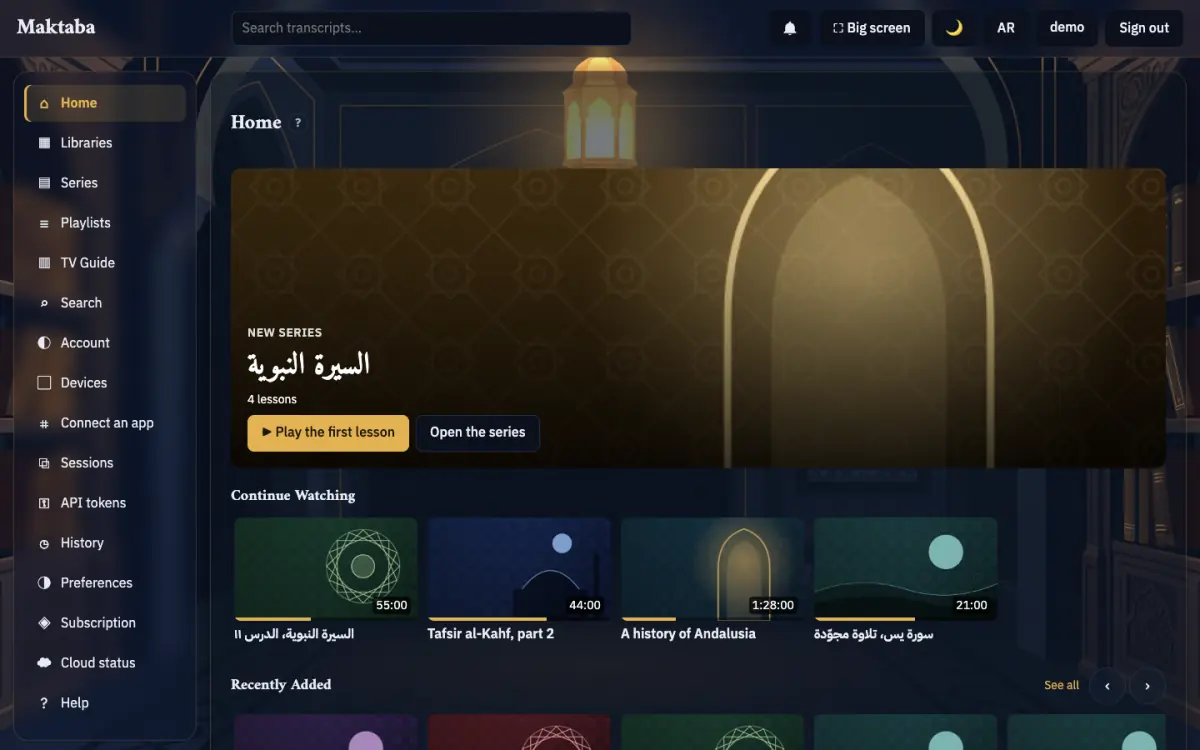
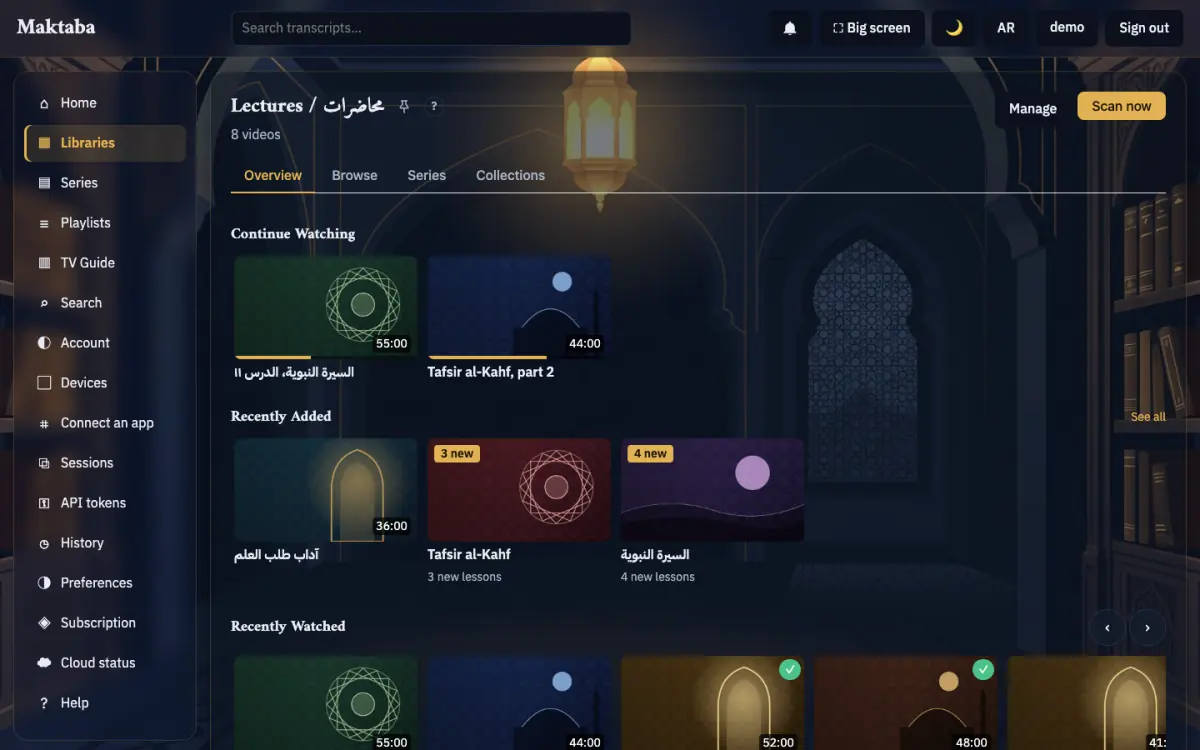
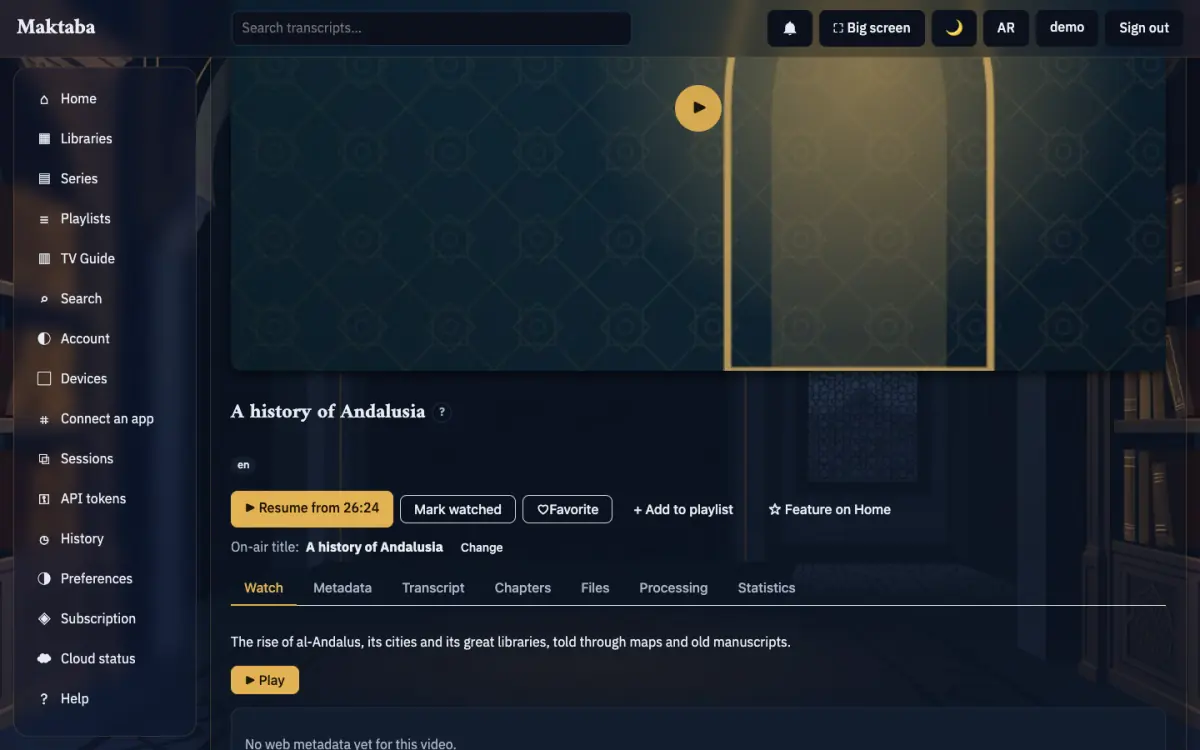
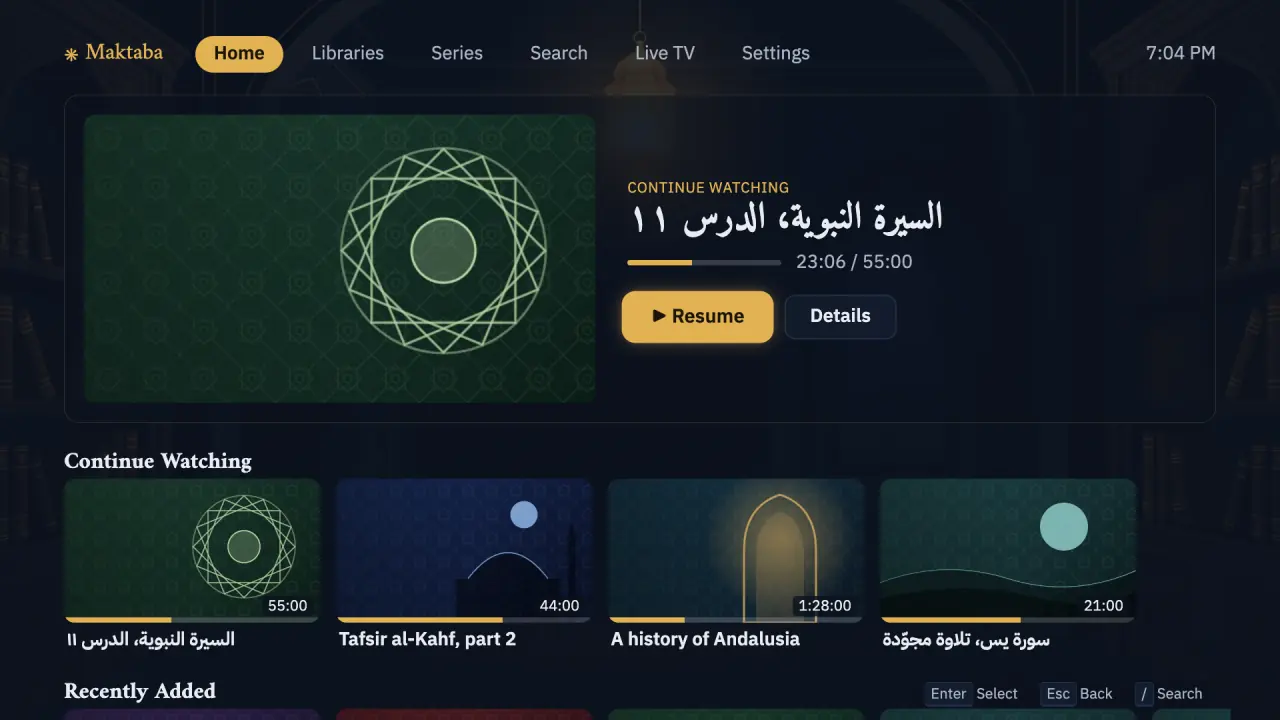
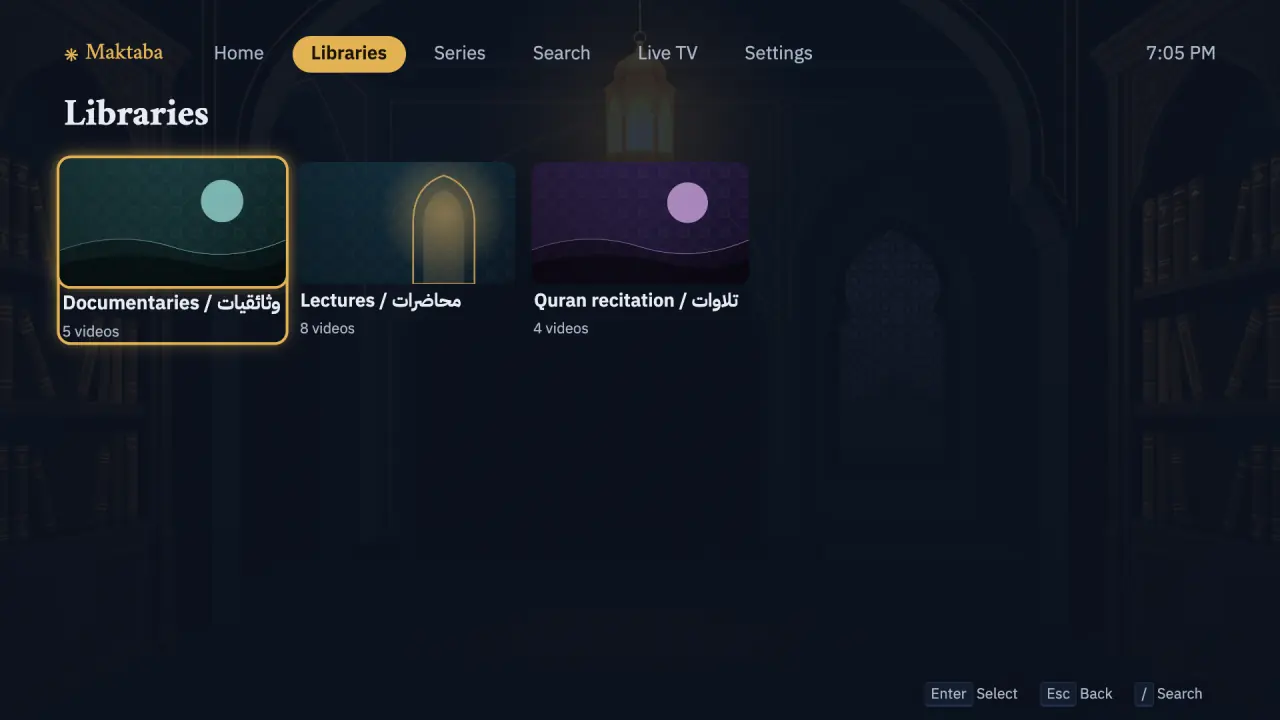
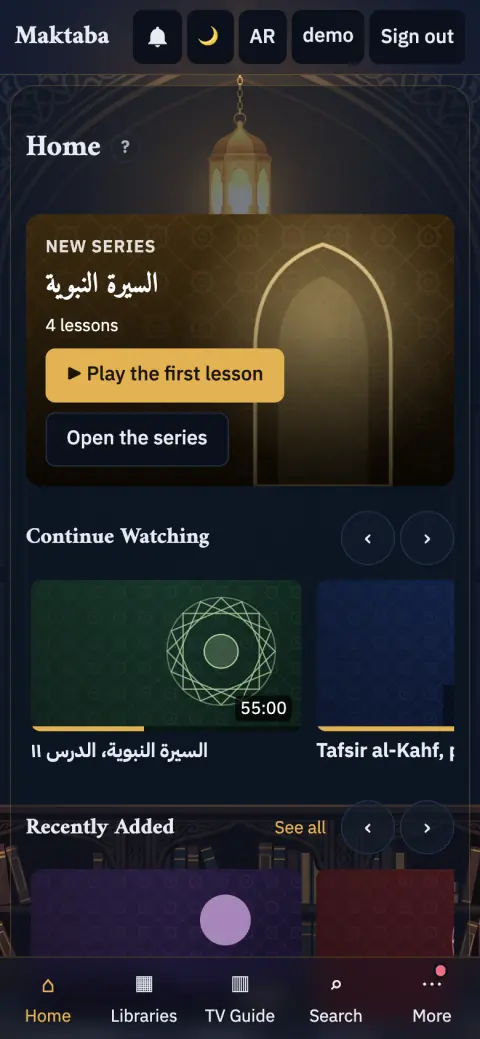
Every screenshot on these pages was taken in the dark theme on made-up test data: the Apple apps' screenshots come from their UI tests in CI, which run against a pretend home; the Android ones from the apps' screenshot tests; the web app and the big screen from a test home filled with invented libraries. The names, titles and codes in them are test data.